
Dedicated physical Mac mini node

A cloud Mac
that’s yours alone.

Every order includes one dedicated physical Mac mini node. Compute, unified memory, and local storage are never shared, making it ideal for Xcode builds, CI/CD, remote development, and Apple Silicon experiments.

6 regions available; connection details are typically ready in about 4 minutes
A standalone Mac mini on the workbench
Give your engineering team a reusable, manageable Mac with dedicated resources.
6 available regions
3 fixed configurations
99.9% target availability

Why a dedicated physical Mac?Clear performance boundaries. Your environment, your control.

Each order is assigned to one dedicated Mac mini and never enters a shared compute pool. Continuous builds, dependency installation, and local caching all run on the same physical node.

One order. One physical node.

The CPU, unified memory, and local SSD serve only your workloads. Resource patterns during long builds are easier to predict, while Xcode, dependencies, scripts, and cache policies can be pinned to reduce intermittent failures caused by environment drift.
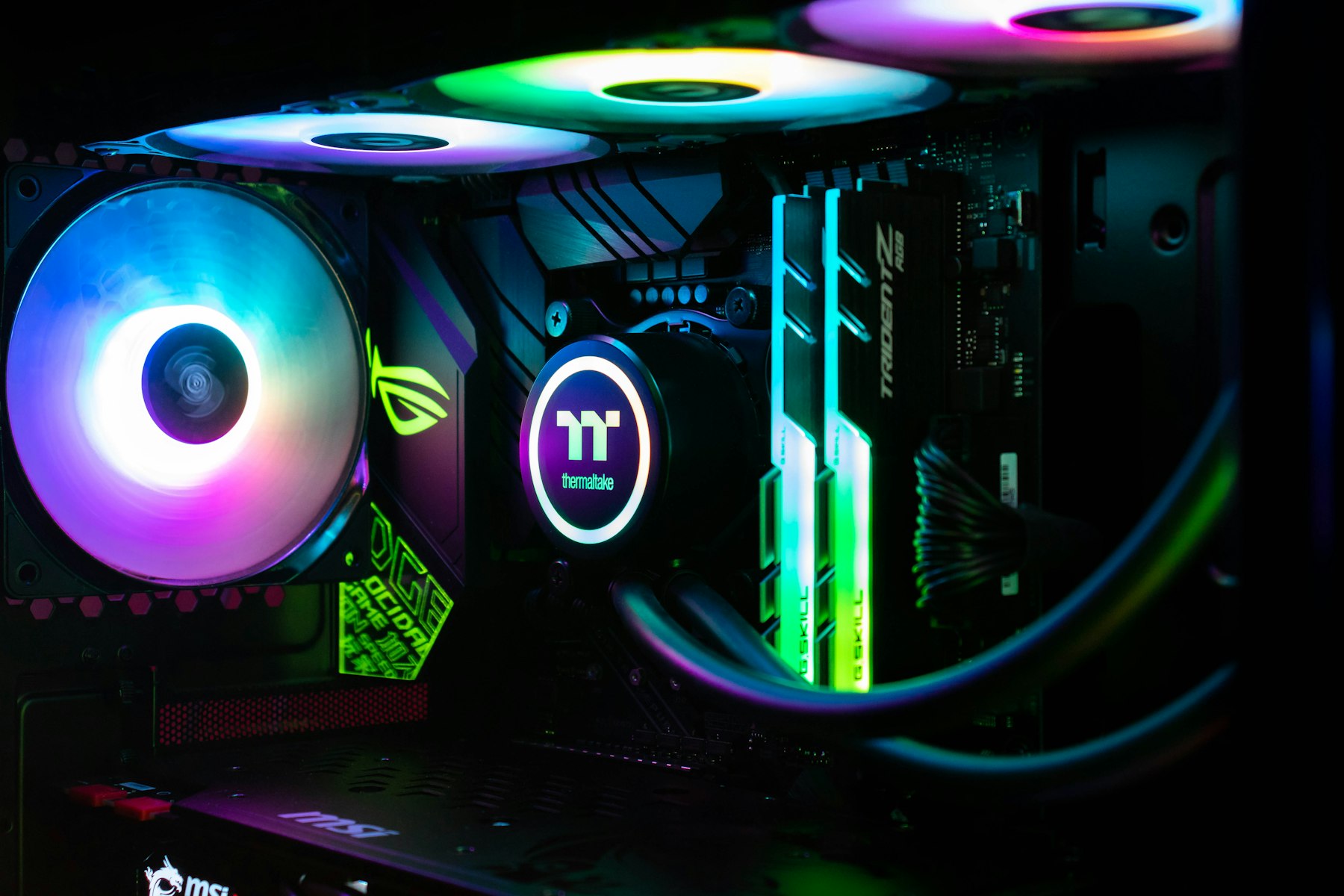

Dedicated physical Mac node hardware

Consistent build performance

Sustained workloads never compete with other customers for compute, unified memory, or local storage throughput.

Administrator access

Install command-line tools per project, manage background services, and adjust build directories and cache locations.

Reproducible environments

Pin macOS, Xcode, dependency manifests, and build scripts so your development machine and runner share the same baseline.

3 available configurations

Choose your workload, then choose your term.

The price switch updates the selected billing period. Chip, memory, and base storage remain fixed; choose the region when placing your order.

M4-16-256

OnceMac M4 16

Ideal for lightweight Xcode builds, single-task development, script execution, and short-term compatibility checks.

$19.1/day
  • ChipM4
  • Unified memory16GB
  • Local storage256GB SSD
Choose OnceMac M4 16
M4PRO-64-2TB

OnceMac M4 Pro 64

Ideal for highly parallel builds, large workspaces, MLX inference, and experiments with high unified-memory requirements.

$59.7/day
  • ChipM4 Pro
  • Unified memory64GB
  • Local storage2TB SSD
Choose OnceMac M4 Pro 64
All amounts are billed in US dollars (USD). Supported payment methods are USDT-TRC20 and Visa / Mastercard / Amex via Stripe.

Six regions across Asia-Pacific and the United States.Choose based on your team, code repositories, and test users.

All three configurations are available in Singapore, Japan (Tokyo), South Korea (Seoul), Hong Kong, the US East Coast, and the US West Coast. Standard catalog combinations are generally orderable; live availability is returned by the console.

Node network overview

PHYSICAL MAC MINI NETWORK · 6 REGIONS

See how to choose a node
Earth at night, showing Asia-Pacific and US node coverage
SingaporeSG · Available
Japan (Tokyo)JP · Available
South Korea (Seoul)KR · Available
Hong KongHK · Available
US East CoastUS-E · Available
US West CoastUS-W · Available

For build queues

Prioritize the region hosting your code repositories, dependency mirrors, and artifact storage to reduce cross-region paths when fetching dependencies and returning artifacts.

For remote development

Choose a node close to your primary operators. SSH tolerates latency reasonably well, while graphical interaction depends more on a stable public route with low jitter.

For test coverage

A node’s region is not the same as the target user’s region. Evaluate application network tests alongside the target market, test devices, and business service locations.

From order to ready

Connection details are typically ready in about 4 minutes.

Manage configuration, orders, and nodes from one console. After delivery, copy the host address, username, and key details, verify local key permissions, and connect.

≈ 4 minutes Estimated total time for selection, payment, and node delivery
Rent a Mac mini now

Choose a configuration and region

About 1 minute

Combine three configurations, six regions, and four terms: day, week, month, or quarter.

Complete payment in USD

About 1 minute

Pay with USDT-TRC20, or use Visa / Mastercard / Amex via Stripe.

Node delivery

About 2 minutes

The console assigns your order to a dedicated physical node and generates its connection details.

Copy SSH details and connect

Start when ready

Copy the host address, username, and key details, check local key permissions, and connect to your cloud Mac.

Built around real engineering workflows.Builds, automation, development, and AI experiments.

When choosing a configuration, consider project size, concurrent tasks, unified-memory peaks, local caching, and dependency volume—not just the chip name.

XCODE BUILD

Xcode cloud builds

Pull code, install dependencies, prepare signing, run tests, archive, and export build artifacts on a dedicated node. Start with OnceMac M4 16 for lightweight projects; choose more unified memory and local storage headroom for larger dependency sets or parallel tasks.

See configuration criteria →
AUTOMATION

iOS / macOS CI/CD

Run self-hosted runners, fixed build queues, and reproducible toolchains. For everyday multitask builds, start by evaluating OnceMac M4 24.

See configuration criteria →
REMOTE DEV

Remote Mac development

Organize your workflow with SSH, Git, Homebrew, and your editor. Graphical interaction varies with local network latency and jitter.

See the first-connection guide →
APPLE SILICON AI

MLX and AI experiments

Model size, quantization, and context length all affect unified-memory usage. For high memory requirements, start by evaluating OnceMac M4 Pro 64.

See configuration criteria →
UNITY IOS

Cloud builds for Unity iOS

Plan resource import, Xcode project generation, dependency installation, signing, archiving, and artifact transfer, with storage reserved for the Library cache.

See the complete workflow →
CONTROL BOARD

Node overview

Node management
Running nodes 3 active instances
Order status ACTIVE
Renewal Available
Node Status Configuration Connection details
Tokyo build node Running M4 / 24GB / 512GB Generated · Copyable
Hong Kong CI node Running M4 / 16GB / 256GB Generated · Copyable
US West experiment node Running M4 Pro / 64GB / 2TB Generated · Copyable
Order details Copy SSH details Manage term Submit support ticket

Manage orders, nodes, connection details, and renewals in one place.

The console shows delivery status, physical-node configuration, and connection details. When troubleshooting, include the order number, node, time range, command output, and redacted logs in your support ticket.

Before ordering

Check these four common questions first.

Find complete steps for first connection, Xcode setup, CI/CD integration, file migration, and troubleshooting in the Help Center.

Go to Help Center
Is OnceMac a virtual Mac?
No. Every order is assigned to a dedicated physical Mac mini node, with compute, unified memory, and local storage kept exclusive to you.
How soon can I connect?
Configuration takes about 1 minute, USD payment about 1 minute, and node delivery about 2 minutes—typically about 4 minutes total. Actual progress is shown in the console order record.
Which payment methods are supported?
Only USDT-TRC20 and Visa / Mastercard / Amex via Stripe are supported. All orders are billed in US dollars (USD); available gateways are confirmed by the backend.
How do I choose among the three configurations?
Start with OnceMac M4 16 for lightweight builds; consider OnceMac M4 24 for everyday development and multitask builds; choose OnceMac M4 Pro 64 for highly parallel builds or high-memory MLX experiments.

Your own physical Mac mini, ready for builds, testing, and experiments.

3 fixed configurations · 6 available regions · day, week, month, and quarter terms · billed in USD