Clear, practical guidance for building on Cloud Mac.
From environment setup and automated builds to dedicated physical node operations, we lead with actionable conclusions, then explain test conditions, scope, and trade-offs.

If a title font reverts in Final Cut Pro 12.4, first confirm the app version and retest on a project copy. This guide helps you distinguish a reverted text setting from a missing font, a template control, or a project-specific issue.

For developers whose iOS EAS Build started failing after an Expo SDK 58 upgrade, this guide separates compilation, archive, signing, and runtime failures. It shows how to inspect complete logs, compare local and cloud inputs, and decide when reproducing the build on a Mac is useful.

Apple platform developers and CI engineers can use this guide to decide whether a remote Mac is an appropriate macOS 27.3 beta test host. It covers control and sharing eligibility, confidentiality, Xcode compatibility, isolated validation, and recovery planning.

For researchers setting up scikit-bio 0.7.4 on an Apple Silicon Mac, the dependable route is to use the project’s existing environment manager, install into an isolated environment, and check more than a successful import. This guide covers Conda and pip, architecture and version checks, project-level acceptance tests, and when a remote Mac can complement Linux or HPC work.

If your workflow needs macOS tools and a Mac that can remain reachable, a remote Mac can run as a GitHub Actions self-hosted Runner. This guide walks through eligibility, registration, service setup, workflow validation, and the security checks to make before relying on it while traveling.
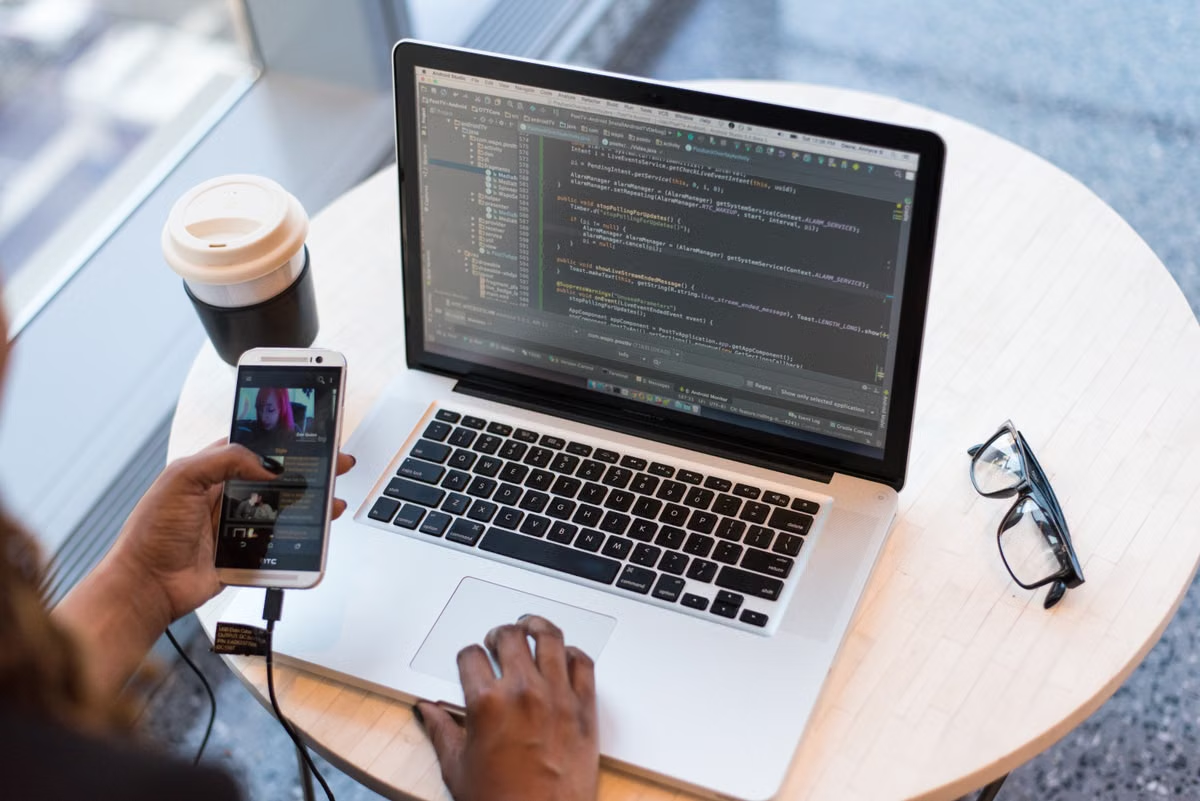
This guide helps students find where an Xcode 27 Simulator failure starts: macOS compatibility, a missing Simulator runtime, device startup, or the app itself. Follow the low-risk checks first, then decide whether the current Mac environment can support the course work.

Treat the Xcode project file as a testable build input and reject merge debris, parser failures, missing schemes, and setting drift before the full build.

Store a framework’s public Swift interface and compare every proposed change so breaking API edits cannot enter a release branch without an explicit review.

Freeze known Xcode warnings in a reviewable baseline, then block only new findings with stable signatures and archived build evidence.
New articles in preparation
Technical articles are being organized around reproducible environments, commands, and decision criteria. In the meantime, explore configuration pricing or the first-connection path.
New topic in preparation
Topic content will be published after commands, versions, and results have been verified.
Run your build environment on a Mac mini dedicated entirely to you.
Three plans are available for lightweight Xcode builds, everyday multitasking development, and high-memory experiments. All six nodes are billed in USD.